Presentation of Aleker
Aleker Designer is a professional CAD workflow for woodworkers and interior fitters who need to move from a customer idea to workshop-ready documents without rebuilding the same project several times.
Why computer-aided design matters
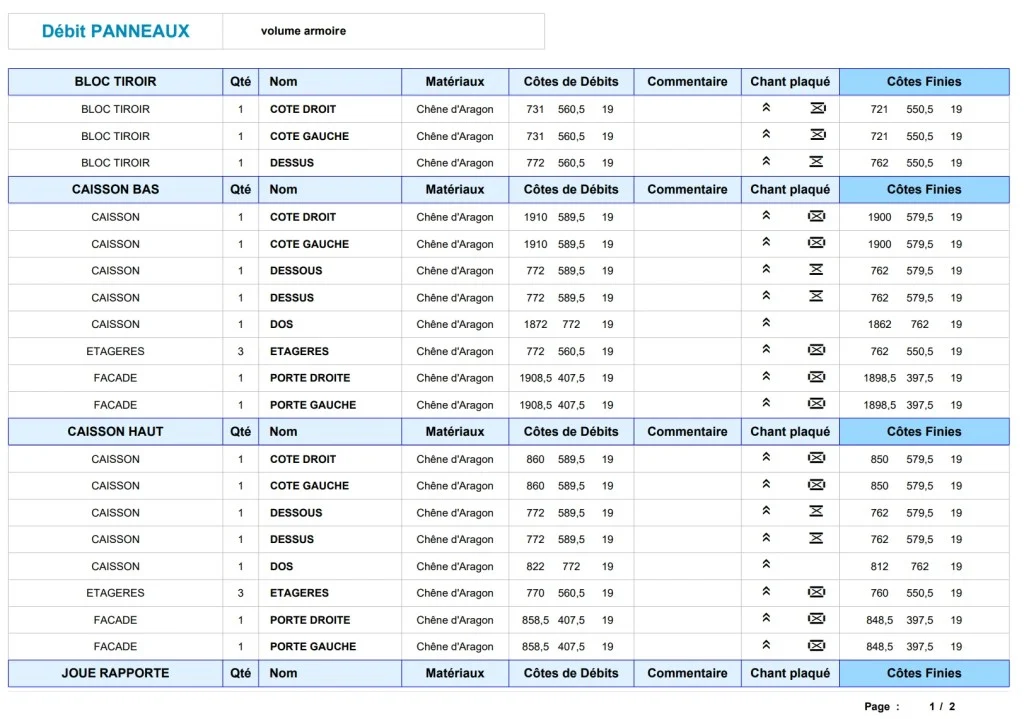
A workshop gains time when the drawing, dimensions, materials, cut lists and manufacturing documents stay connected. CAD is not only a presentation tool; it becomes the backbone of preparation.
Reason 1: a complete woodworking software
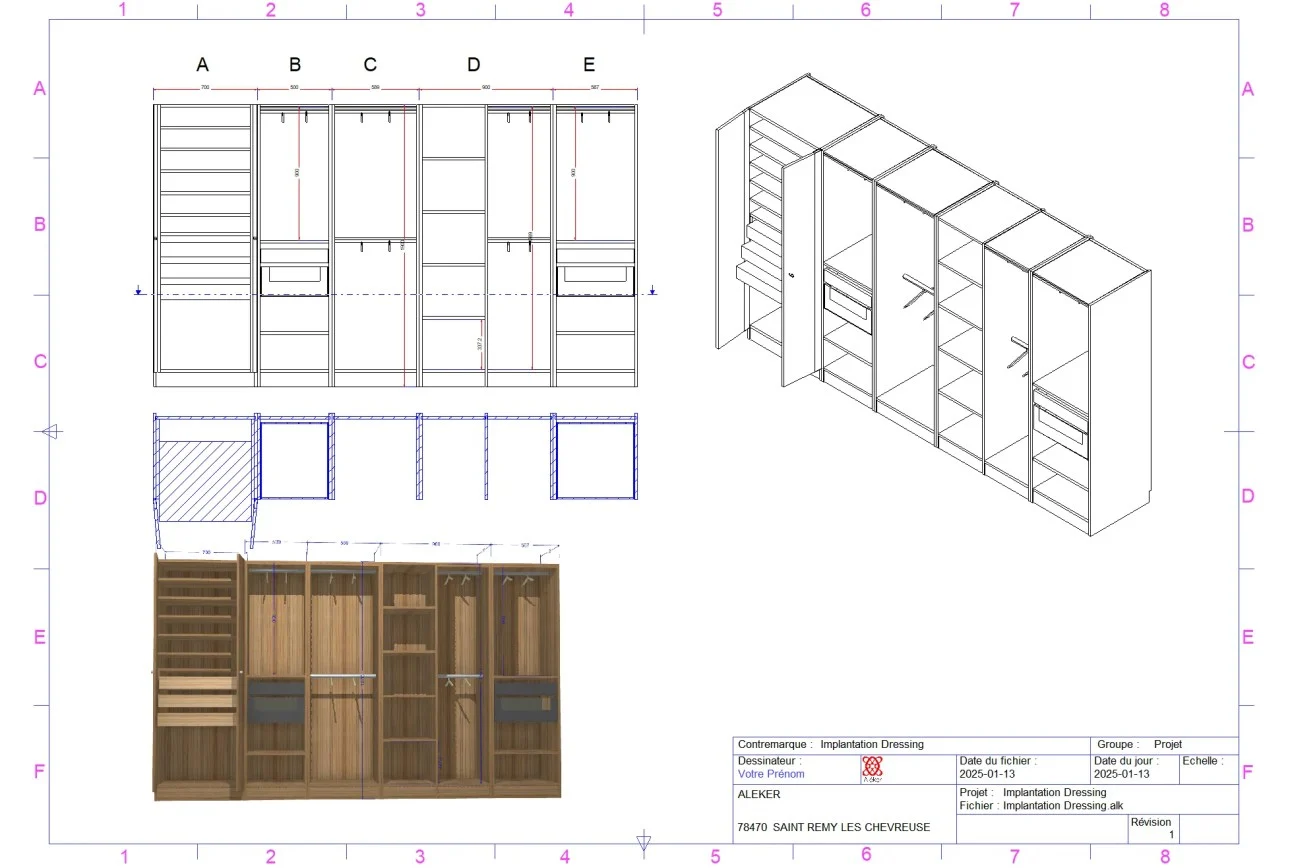
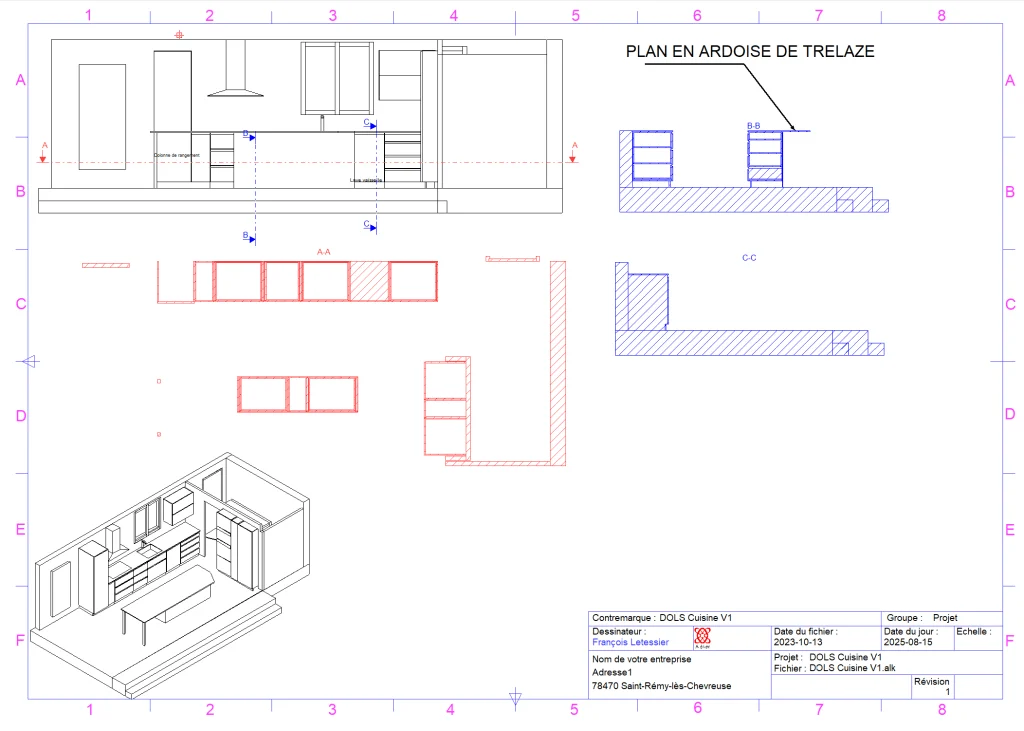
Aleker brings together 3D modelling, 2D drawings, dimensions, cut lists, costing data and manufacturing files in one trade-focused environment.
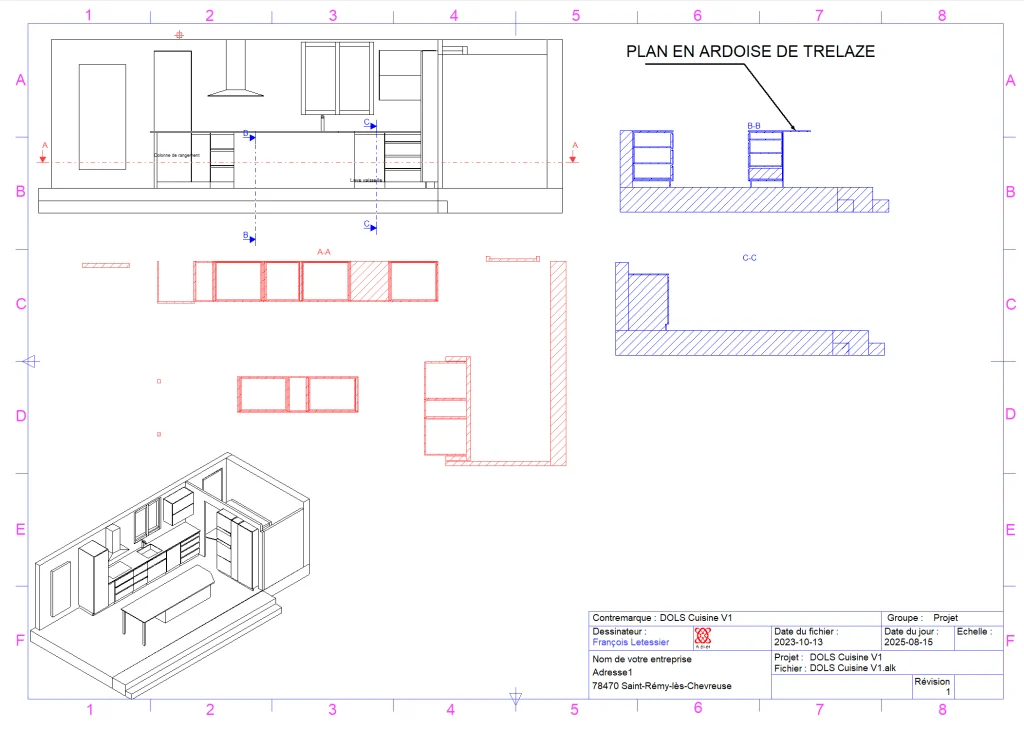
Reason 2: a simple and accessible workflow
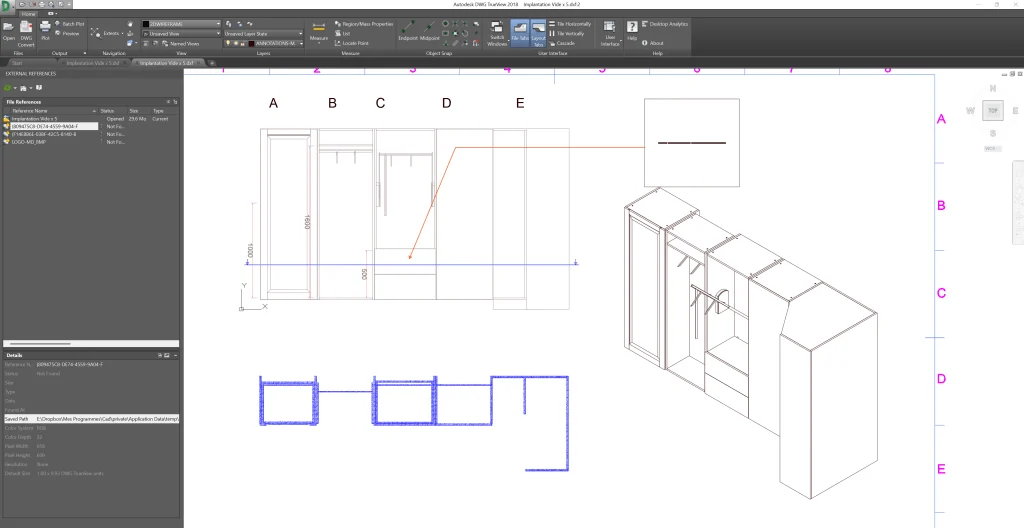
The objective is to keep the software understandable for daily production. The main tools remain close to the user, so a professional can draw, modify and check a project without fighting the interface.
Basic, adapted and efficient tools
- → Draw volumes and assemblies in 3D.
- → Edit dimensions and production properties.
- → Generate readable documents for customers and the workshop.
Reason 3: designed for wood professionals
General 3D software can be useful, but woodworking needs specific logic: materials, grain direction, panels, edges, hardware, machining, assemblies and manufacturing constraints.
Specific needs for woodworkers and fitters
Aleker keeps the project close to the way a workshop thinks: parts, groups, modules, drawings and production data are prepared together.
Almost unlimited custom design
Custom furniture rarely fits inside a standard cabinet logic. Aleker lets you handle unusual shapes, bespoke dimensions and mixed projects while keeping technical control.
Custom interior fitting
For retail, offices, restaurants, libraries, kitchens or bathrooms, the software helps present the project and prepare fabrication from the same model.
Reason 4: fast onboarding
A practical tool must be learned without blocking production for months. Aleker is supported by training and field experience, so the user can progress on real projects.
Quick and intuitive use
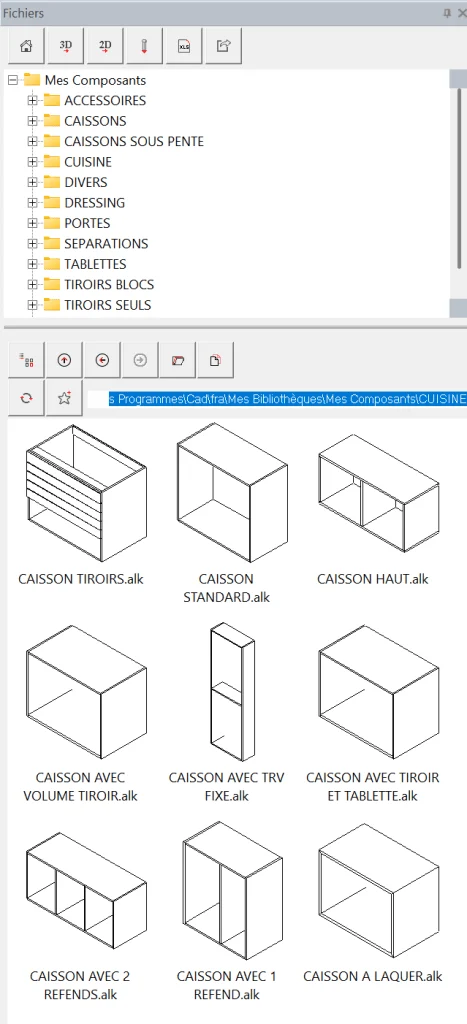
Reusable components, clear parameters and direct visual feedback help the user understand what changes in the project.
Reason 5: full customization of projects and quotes
Each workshop has its own methods, prices, margins and preferred suppliers. Aleker lets the professional build a working environment that reflects that reality.
Manage prices and margins freely
Costing is more reliable when the project structure already contains materials, dimensions and production information.
Build a custom catalogue
Libraries become more valuable over time: each reusable element reduces re-entry and makes future designs faster.
Reason 6: compatible with workshop tools
A CAD tool should not isolate the workshop. Aleker supports useful outputs for drawings, exchange formats, CNC-oriented workflows and production preparation.
Wide compatibility with trade formats
PDF, DXF, DWG, IGES, GLB and CNC-related exports help connect the design office with the rest of the production chain.
A smoother production workflow
The same model can feed customer validation, technical drawings, cut lists and workshop documents, reducing errors caused by retyping data.
Reason 7: satisfied customers
A good software choice is also a question of support, continuity and trust. Aleker has been used for years by woodworking and fitting professionals.
Dedicated assistance
Human support matters when projects are specific. Training, advice and follow-up help users get value from the software in real workshop situations.
Conclusion
Aleker Designer is relevant when a professional wants a complete, flexible and trade-specific CAD workflow, from first drawing to manufacturing preparation.
Summary of the seven reasons
- → Complete woodworking workflow.
- → Accessible interface.
- → Designed for professionals of wood and interior fitting.
- → Fast onboarding.
- → Custom libraries and costing.
- → Compatibility with workshop tools.
- → Support and customer satisfaction.