
1
Quick conversation
You present your activity, your typical projects and your main questions.
Discover Aleker in real conditions
To evaluate Aleker concretely, we offer a free remote demonstration of about one hour. It is a benefit reserved for website visitors: you see the software working on a real case, and you can ask all your questions.
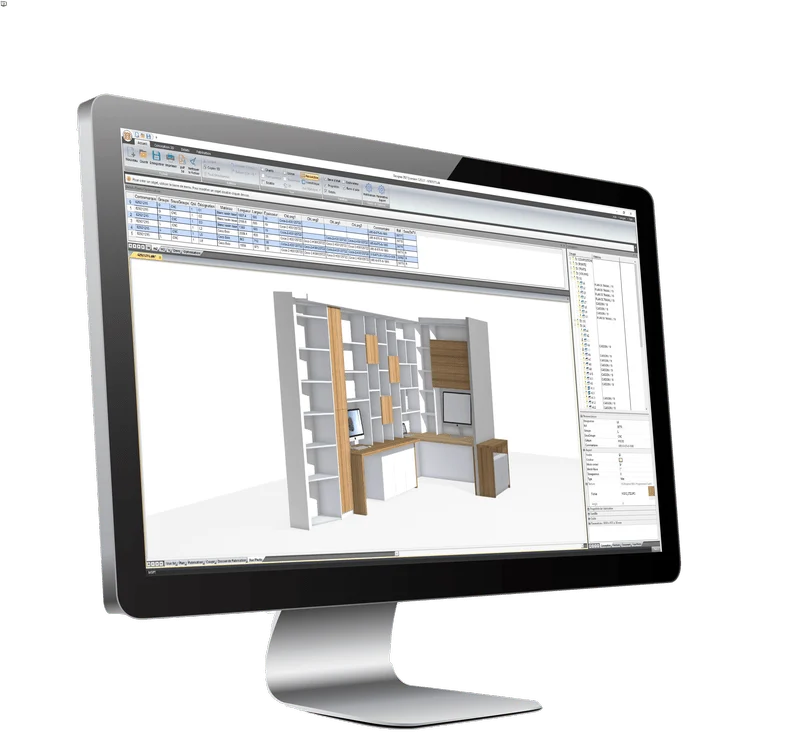
Free remote demonstration, around one hour.
Presentation on a real case, not an abstract sales video.
Questions are welcome during the session.
Requirement: install the remote-control tool indicated by Aleker.
Flow
The demonstration stays simple and concrete: the goal is to give you a clear view of ease of use, trade-specific power and possible benefits before you commit.
You present your activity, your typical projects and your main questions.
We go through the menus, the 3D construction logic and a concrete woodworking or fitting case.
You see how Aleker can help with plans, cutting lists, production and customer presentations.
What you will see
The goal is to check whether Aleker fits the way you design, sell, document and manufacture. The session can therefore go from 3D sketch to workshop file.
Draw a piece of furniture, an interior fitting project or a woodworking element with dimensions, thicknesses, materials, clearances and manufacturing constraints.
Drawing sheets, views, sections, dimensions, title blocks, cut lists and manufacturing files help limit re-entry.
Cabinets, drawers, doors, accessories, textures, prices and reusable components can be adapted to your workshop habits.
2D/3D exports, cutting optimisation and CNC formats can be reviewed depending on the version and your production setup.

Installation and requirements
Before the session, Aleker will indicate the remote-control software to install. The full version runs on Microsoft Windows with a dedicated 3D graphics card recommended.
Plan a conversationThe points to clarify before booking a slot.
The demonstration usually takes about one hour. It is remote and shows Aleker Designer on a concrete woodworking or interior fitting scenario.
It is not mandatory, but a real example makes the conversation more precise: furniture type, installation constraints, drawings, cut lists, costing or production needs.
Yes. The demonstration can cover 2D/3D exports, cut lists, manufacturing files, cutting optimisation and available CNC formats depending on the versions.
No. The demonstration validates whether the software fits your trade. Training then structures onboarding and helps adapt Aleker to your methods.